Your restaurant, online tonight
A website, a live menu and a QR code for every table, set up in one sitting.
Free for 14 days, then €20 a month plus VAT. No card needed.
One restaurant, three looks
The same place, set up three ways in a minute each. The colour and the type are yours. Bistrelle itself stays black and white.
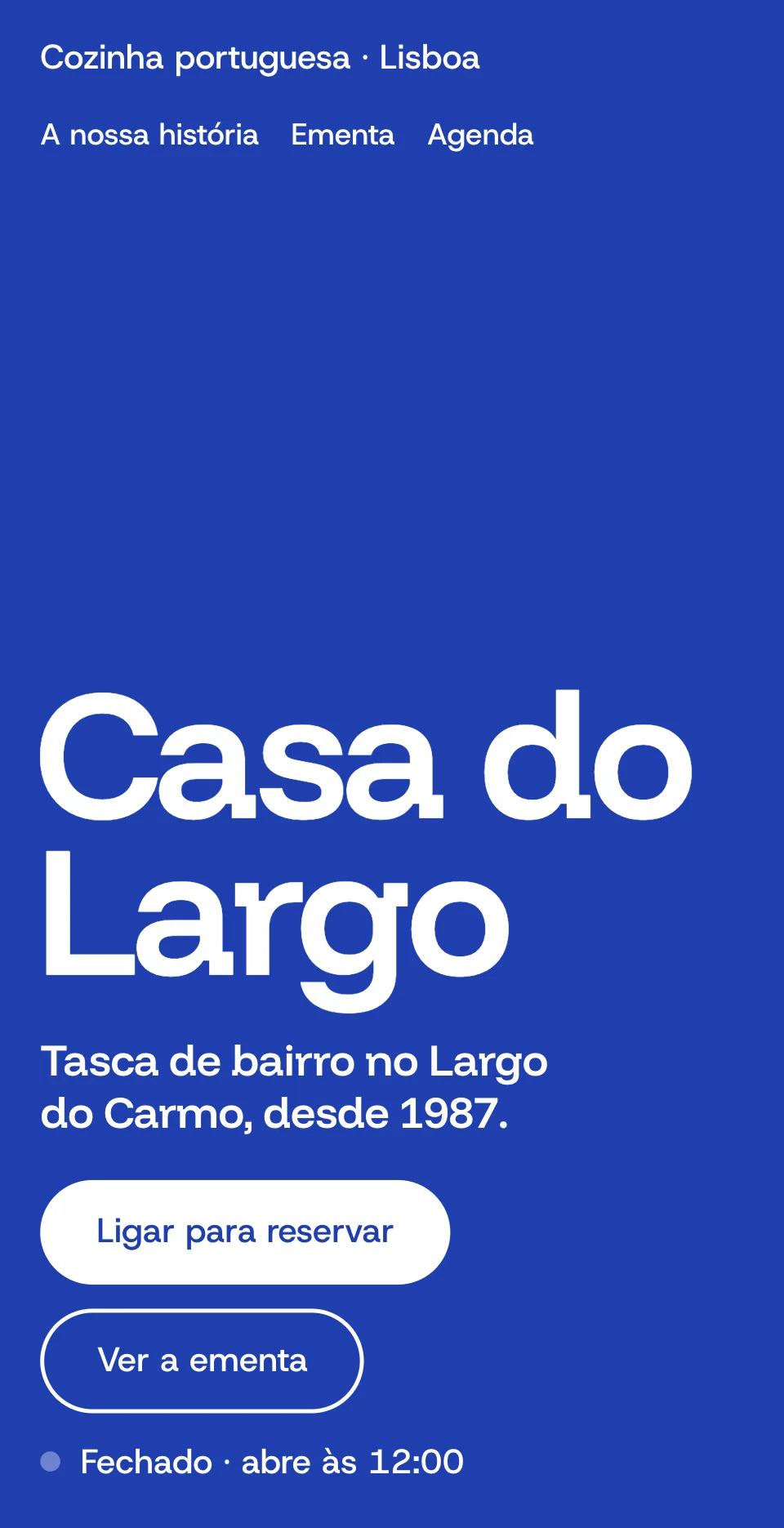
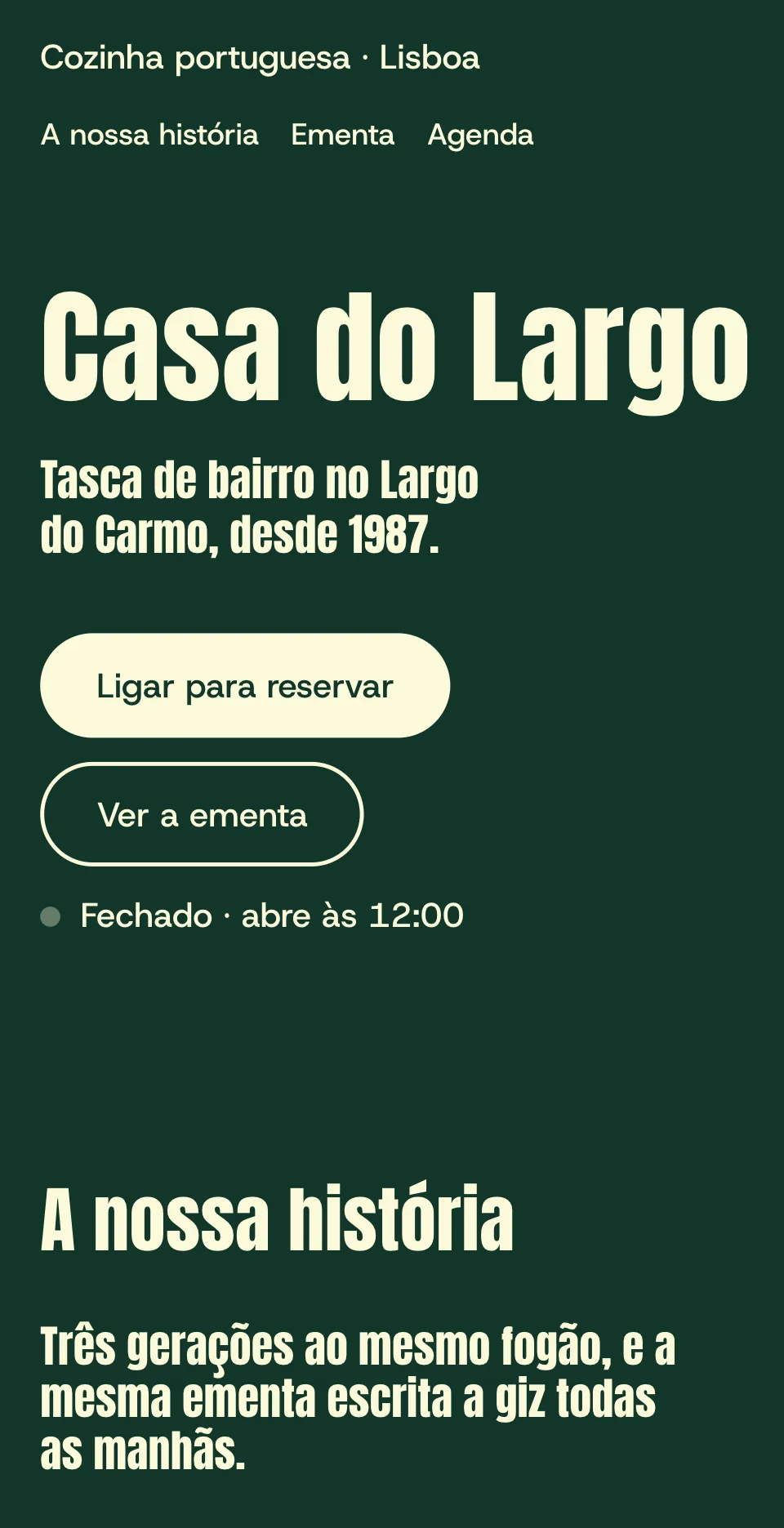
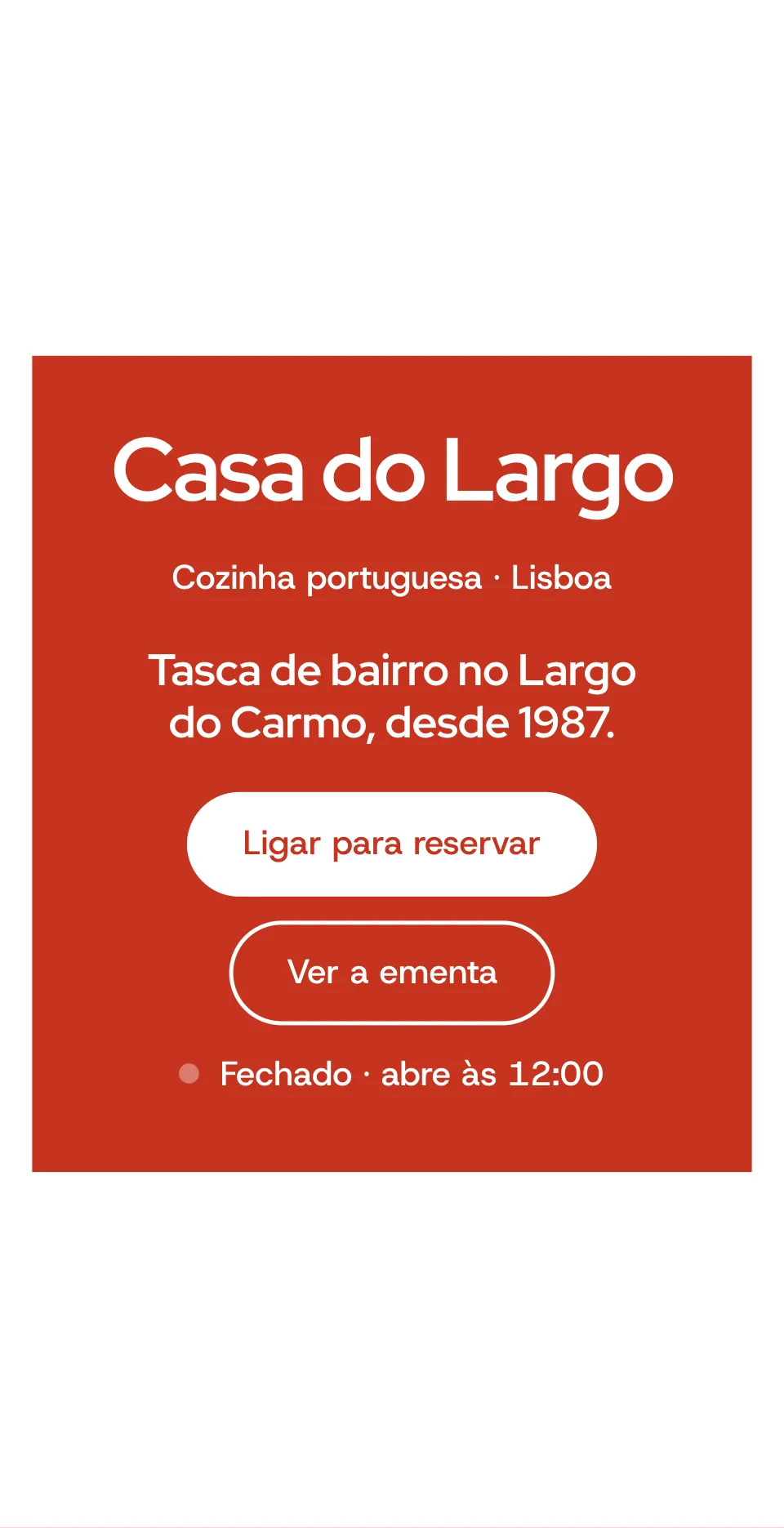
First, your restaurant's name.
Type it and pick your place from Google's suggestions. Check the address, phone and hours it found.
Then your colours.
Ten palettes and six typefaces. Your site, your menu and your codes all take them.
Then your menu.
Type it, paste it, or photograph the one you print. You check every dish before it is saved.
Tonight, you're live.
Choose your address, publish and print. Change the menu tomorrow and the printed codes still work.
- Your sign
- Casa do Largo
- Your address
- casa-do-largo
.bistrelle.com - Your first code
Type your restaurant's name. This is its sign, its address and its first QR code.
Start with this nameCross a dish off when it sells out.
Guests see it on every table at once. It comes back by itself at 04:00.
Change a price in the middle of service.
Every printed code keeps working. There is nothing to reprint, ever.
Read my printed menu from a photo.
On our four test menus it got 64 of 64 dishes and prices right, in about 10 seconds each.
Give every table its own code.
Print them on ready-made sheets and count scans by table, with no personal data kept.
Put my dish photos in better light.
AI improves your own photo and leaves the food as it is. 40 a month, labelled for guests.
Everything, for €20 a month.
- A clip of Casa do Largo's menu on a phone, scrolling through starters and mains. One starter is crossed off and marked as sold out.
The menu your guests read 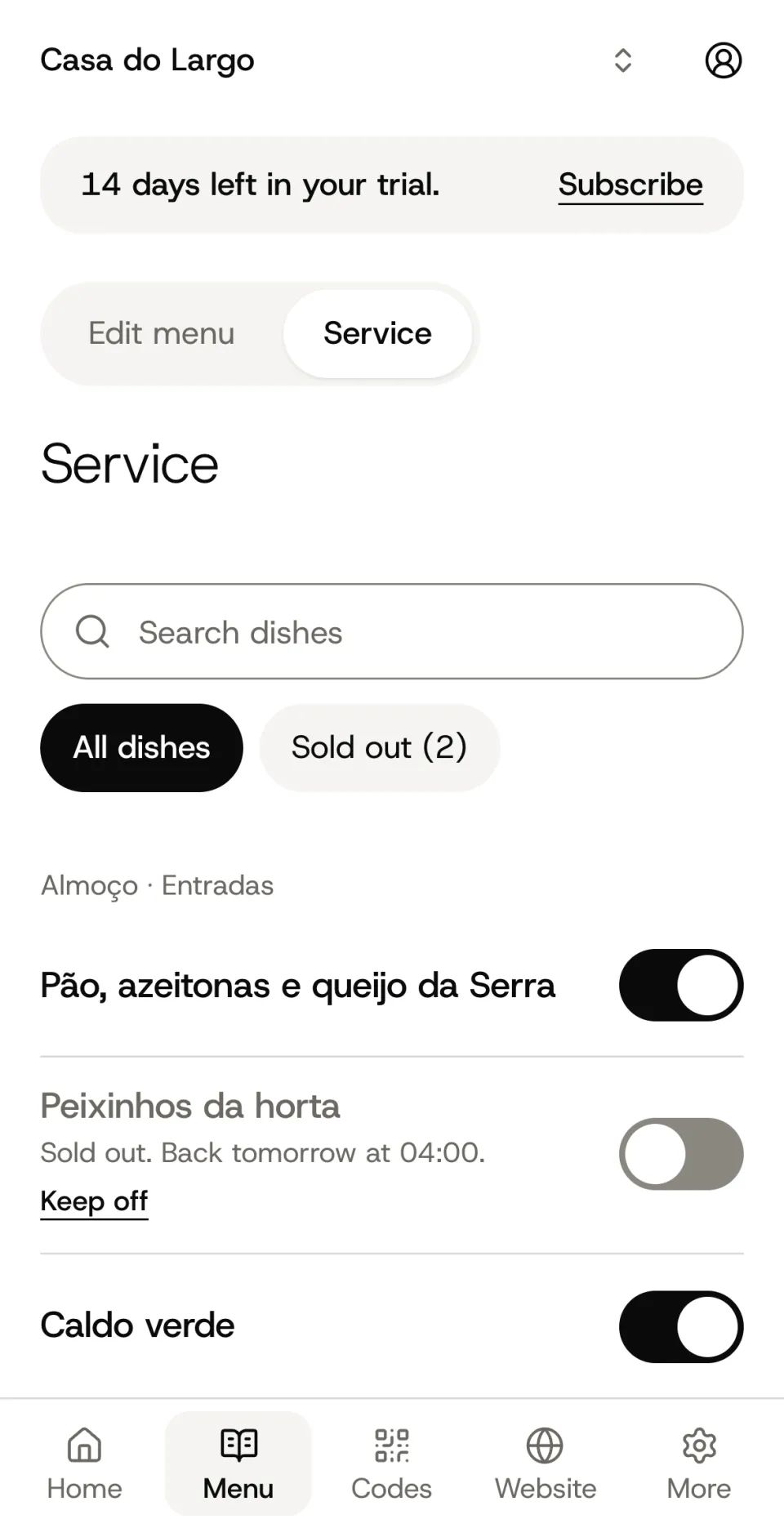
Sold out, in one tap 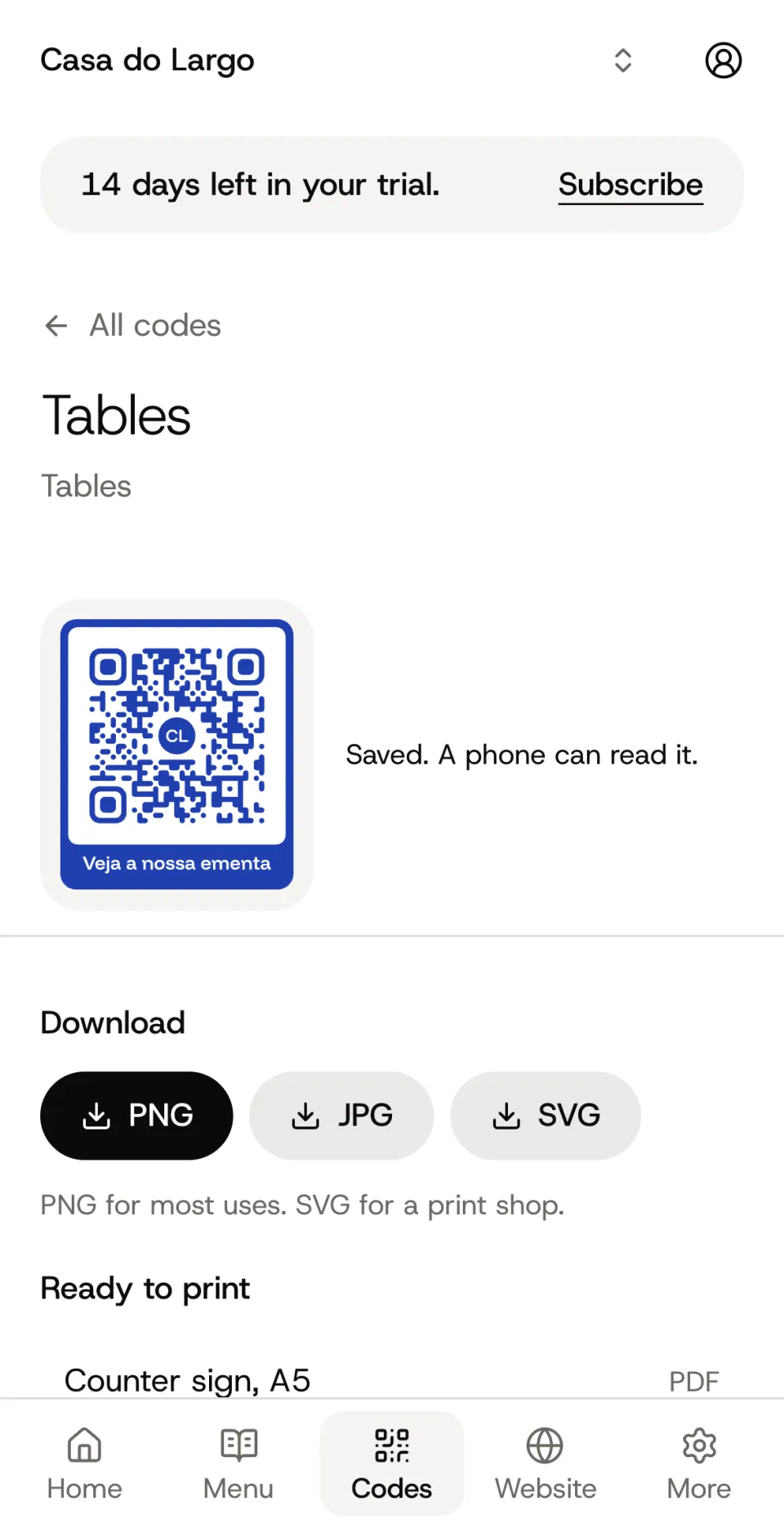
A code for every table 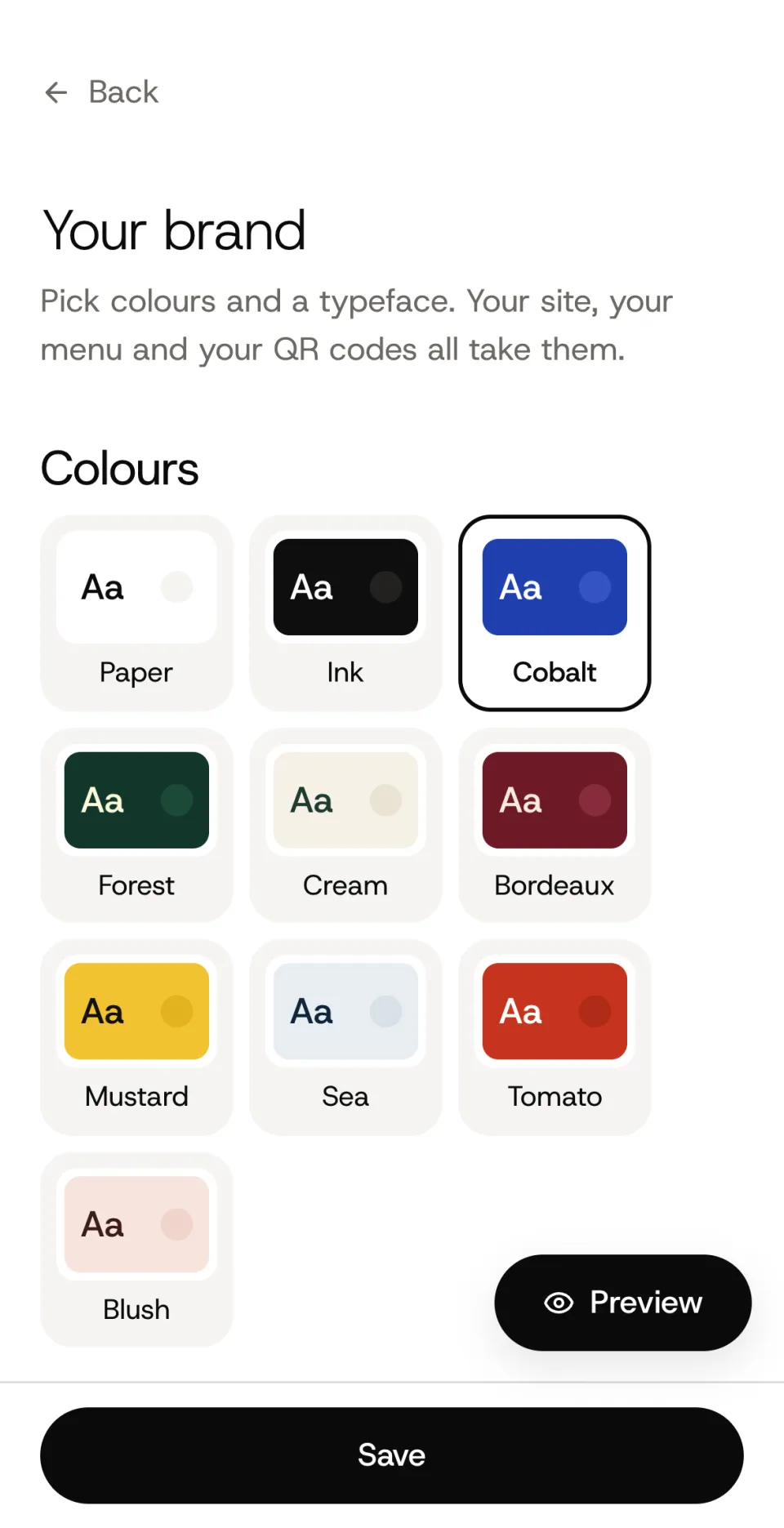
Your colours, your type
One plan for each restaurant, plus VAT: your site, your menu, a QR code for every table, your whole team and 40 AI dish photos a month. Free for 14 days without a card. Cancel whenever you like.
Questions
Do I need a card to start?
No. The 14-day trial needs only your email address. You add a card when you decide to stay.
What happens when the trial ends?
If you haven't subscribed, your site and your codes show guests a short “not available” page. Nothing is deleted. Subscribe and everything is back at once.
Do printed codes keep working?
Yes. A code holds a short address that we point at your menu, so you can change the menu, or where a code leads, without printing again.
Can my staff use it?
Yes. Invite them by email. Staff edit the menu and mark dishes as sold out. Billing and settings stay with you.
How do the AI photos work?
Add a photo of your dish and AI improves the light and the table, leaving the food as it is. Or have one made from a description. Guests always see these photos labelled.
Can I cancel?
Any time, from the billing page. Your site stays online until the end of the month you paid for.
Who takes the payment?
Stripe, through Link, which appears as the seller on your receipt. The VAT of your country is added to the €20.